Choosing the Best IDE for Python Programming
Python continues to grow in popularity as a programming language. Choosing the right integrated development environment for Python can make a huge difference in your coding efficiency and learning experience.
The best IDE for Python programming helps you write, debug, and manage code efficiently. Whether you’re a beginner looking for a friendly interface or an experienced Python developer seeking advanced features, this guide will help you identify the best Python IDE for beginners and other top options.
This guide highlights the top Python IDEs and key considerations to help you choose the perfect environment for your projects.
What is an IDE?
An integrated development environment for Python is more than a text editor. It combines a code editor, debugger, project manager, and other tools in a single application. By using an IDE, Python developers can streamline their workflow, catch errors early, and manage projects more efficiently.
Choosing the right IDE for Python programming ensures that your coding experience is smooth and productive, whether you are learning Python for the first time or working on large-scale projects.
Top Best IDE for Python Programming

Now, let's explore some of the most popular best Python IDEs, highlighting their strengths and target audiences:
- PyCharm: Developed by JetBrains, PyCharm reigns supreme as a feature-rich IDE. Both free and paid versions are available. PyCharm boasts intelligent code completion, seamless debugging, version control integration, and built-in testing tools. Its extensive support for scientific libraries makes it a favorite among data scientists. However, PyCharm can be resource-intensive, so ensure your computer meets the system requirements. (Target Audience: Beginners, Intermediate, Advanced)
- Visual Studio Code (VS Code): This versatile, open-source IDE by Microsoft has become a developer darling. While not exclusively for Python, VS Code offers a lightweight and customizable experience. Install the Python extension to unlock features like syntax highlighting, debugging, and linting (code analysis for identifying potential errors). VS Code's extensive marketplace allows you to tailor the IDE to your specific needs with additional extensions. (Target Audience: Beginners, Intermediate, Advanced)
- Thonny: Designed with beginners in mind, Thonny offers a user-friendly interface and a built-in Python interpreter. This means you can start coding without any additional setup. Thonny's step-by-step debugging and visual tools like a debugger window make it ideal for learning the ropes of Python programming. (Target Audience: Beginners)
- Spyder: Another open-source option, Spyder excels in the realm of scientific computing. It integrates seamlessly with popular data science libraries like NumPy, SciPy, and Matplotlib. Spyder's variable explorer allows for interactive inspection of data, while its built-in plotting tools help visualize your results. (Target Audience: Intermediate, Advanced - Data Science)
- IDLE: This is the default IDE that comes bundled with Python installations. While lightweight and suitable for beginners, IDLE offers a more basic set of features compared to other options on this list. However, it's a good starting point to get familiar with the core Python development environment. (Target Audience: Absolute Beginners)
Beyond the Big Names: Exploring Other Options
The Python IDE landscape extends beyond these popular choices. Here are a few others worth considering:
- Eclipse + PyDev: This combination leverages the powerful Eclipse IDE with the PyDev plugin specifically designed for Python development. PyDev offers robust debugging tools, code analysis, and web framework support. However, the setup process might be slightly more complex for beginners. (Target Audience: Intermediate, Advanced)
- Sublime Text: This premium code editor offers a fast and customizable experience. While not a full-fledged IDE, it can be enhanced with Python-specific plugins to provide features like code completion and debugging. Sublime Text appeals to developers who prefer a lightweight and highly configurable environment. (Target Audience: Intermediate, Advanced)
- Jupyter Notebook: While not strictly an IDE, Jupyter Notebook is a popular choice for data science and interactive Python coding. It allows you to create notebooks that combine code, visualizations, and explanatory text in a single document. This makes it ideal for data exploration and sharing your work with others.
Python IDE Comparison Table
| IDE | Best For | Key Features | Price |
| PyCharm | All levels | Intelligent code completion, debugging, and testing | Free & Paid |
| VS Code | All levels | Lightweight, extensions, customizable | Free |
| Thonny | Beginners | Built-in interpreter, step-by-step debugging | Free |
| Spyder | Data Science | Variable explorer, plotting tools | Free |
| IDLE | Absolute Beginners | Basic Python IDE, simple interface | Free |
IDE Features Comparison
Key Considerations When Choosing a Python IDE
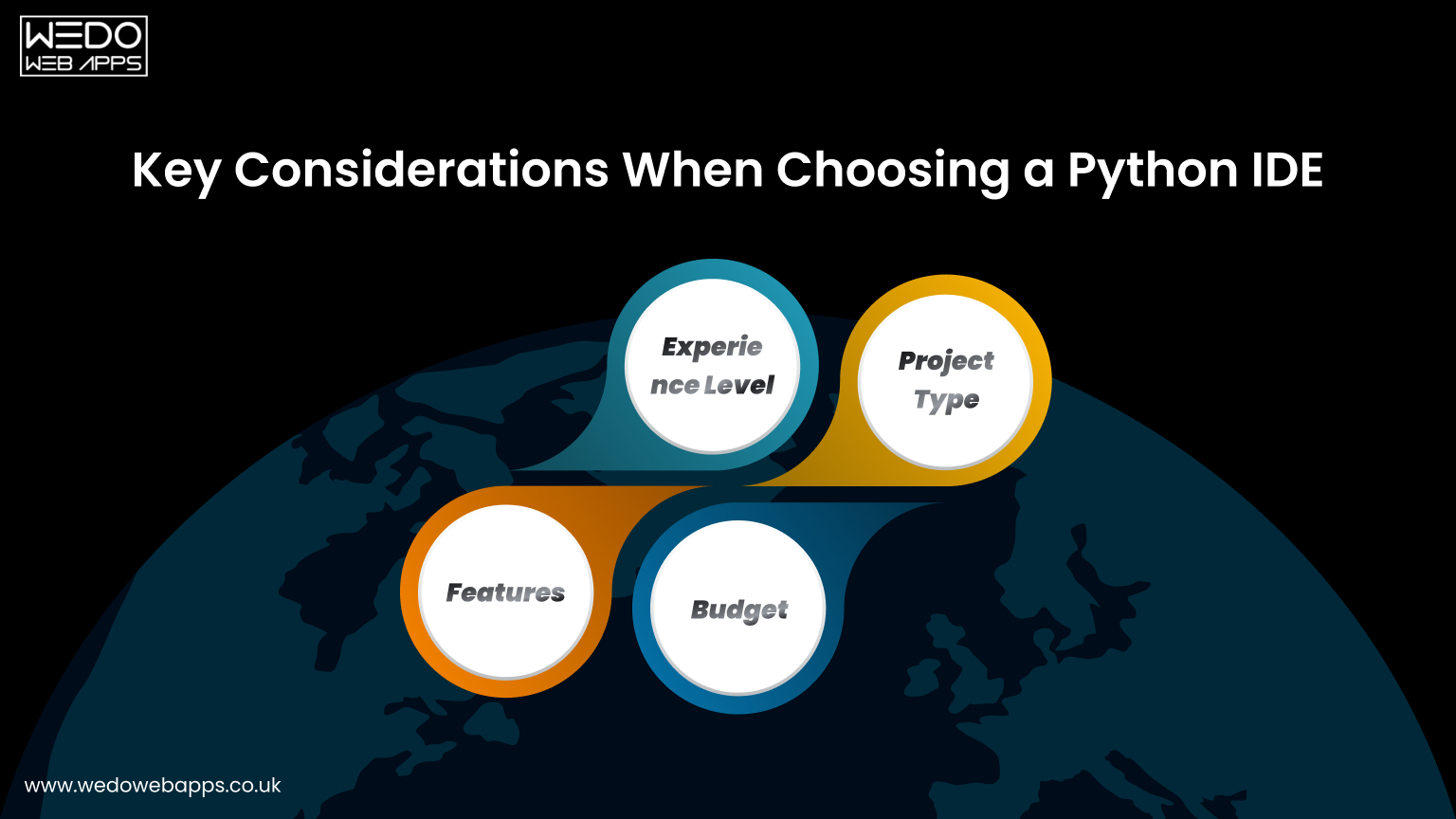
Before diving into specific options, consider these factors to tailor your search:
- Experience Level: Are you a seasoned programmer or a budding Python enthusiast? Some IDEs cater more towards beginners with a gentle learning curve, while others offer advanced features for experienced developers.
- Project Type: What kind of Python project are you tackling? Data science applications might benefit from an IDE with scientific libraries integration, while web development projects might prioritize framework-specific support.
- Features: Make a list of functionalities important to you. Do you need robust debugging tools? Version control integration? Built-in testing frameworks? Prioritize the features that will enhance your specific workflow.
- Budget: Some IDEs are completely free and open-source, while others offer paid versions with additional functionalities.
Tips to Find the Right Python IDE
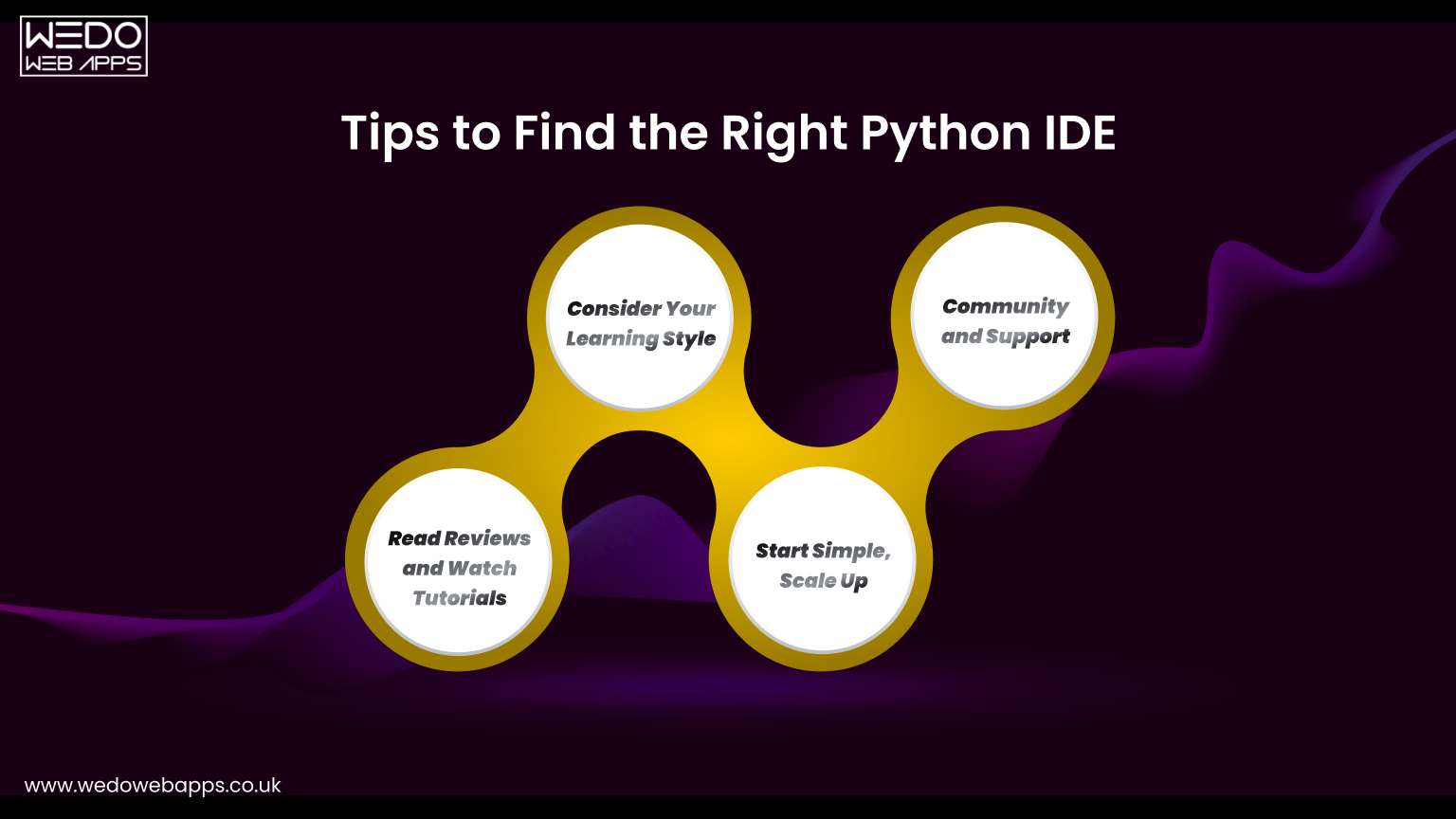
Finding the ideal Python IDE is a personal choice. Experiment with a few options to discover which one resonates best with your workflow. Here are some additional tips to guide your selection:
- Read Reviews and Watch Tutorials: Online resources abound with user reviews, comparisons, and video tutorials for popular Python IDEs. Take advantage of these to gain insights and see the functionalities in action.
- Consider Your Learning Style: Do you prefer a visual interface with step-by-step debugging like Thonny, or a more code-centric approach offered by VS Code? Understanding your learning style can help narrow down your choices.
- Start Simple, Scale Up: If you're a beginner, starting with a user-friendly IDE like IDLE or Thonny can ease you into Python programming. As you gain experience, you can explore more feature-rich options like PyCharm or VS Code.
- Community and Support: A strong community around an IDE can be invaluable. Look for options with active forums, documentation, and tutorials to get help when needed.
The Final Word
Selecting the best IDE for Python programming is a personal decision based on experience, project type, and workflow. Using an integrated development environment for Python can make your coding more efficient, reduce errors, and improve productivity. For beginners, the best Python IDE for beginners like Thonny or IDLE is ideal, while advanced Python developers may benefit from PyCharm or VS Code.
Experiment with these IDEs and find the one that suits your coding style best. Your perfect Python development services starts with the right IDE. Happy coding!
















 Sharing Project Details
 Let's have a
call
Let's have a
call Got
Questions? Let’s Chat!
Got
Questions? Let’s Chat!