Introduction
Accessibility in mobile apps is no longer a feature; it’s a necessity. With over 15% of the global population experiencing some form of disability, ensuring your app is usable by everyone is critical for both user experience and business success.
Mobile app accessibility focuses on designing interfaces and interactions that accommodate visual, auditory, motor, and cognitive differences. By following clear guidelines and standards, including the Web Content Accessibility Guidelines (WCAG), developers and mobile app development company can create applications that are intuitive, navigable, and inclusive.
In this guide, we’ll break down the key principles, practical steps, and testing methods to help you make your mobile apps accessible for all users.
What Is Mobile Application Accessibility
Mobile application accessibility is the practice of designing and developing apps that can be used effortlessly by everyone, including people with visual, auditory, motor, or cognitive disabilities. Implementing mobile apps accessibility ensures that all app elements such as navigation, buttons, images, and text are inclusive, intuitive, and aligned with global standards like WCAG for mobile apps. Accessibility is not just a compliance requirement; it improves usability, enhances engagement, and broadens your audience reach.Mobile Apps Accessibility Explained With a Simple Example
How Accessibility Guidelines Fix It:
- Add descriptive labels to images and interactive elements.
- Ensure sufficient color contrast and legible font sizes.
- Expand touch targets to meet accessibility recommendations.
- Support gestures and navigation compatible with assistive technologies.
Benefits of Mobile Application Accessibility:
- Provides a seamless experience for all users.
- Improves engagement, retention, and conversions.
- Follows mobile app accessibility guidelines and WCAG standards.
- Strengthens brand credibility and trust.
Example Scenario:
- A shopping app without accessibility:
- Users with visual impairments cannot read product descriptions with a screen reader.
- Users with motor impairments struggle to tap small buttons or gestures.

Who Needs Accessible Mobile Apps and Why It Matters
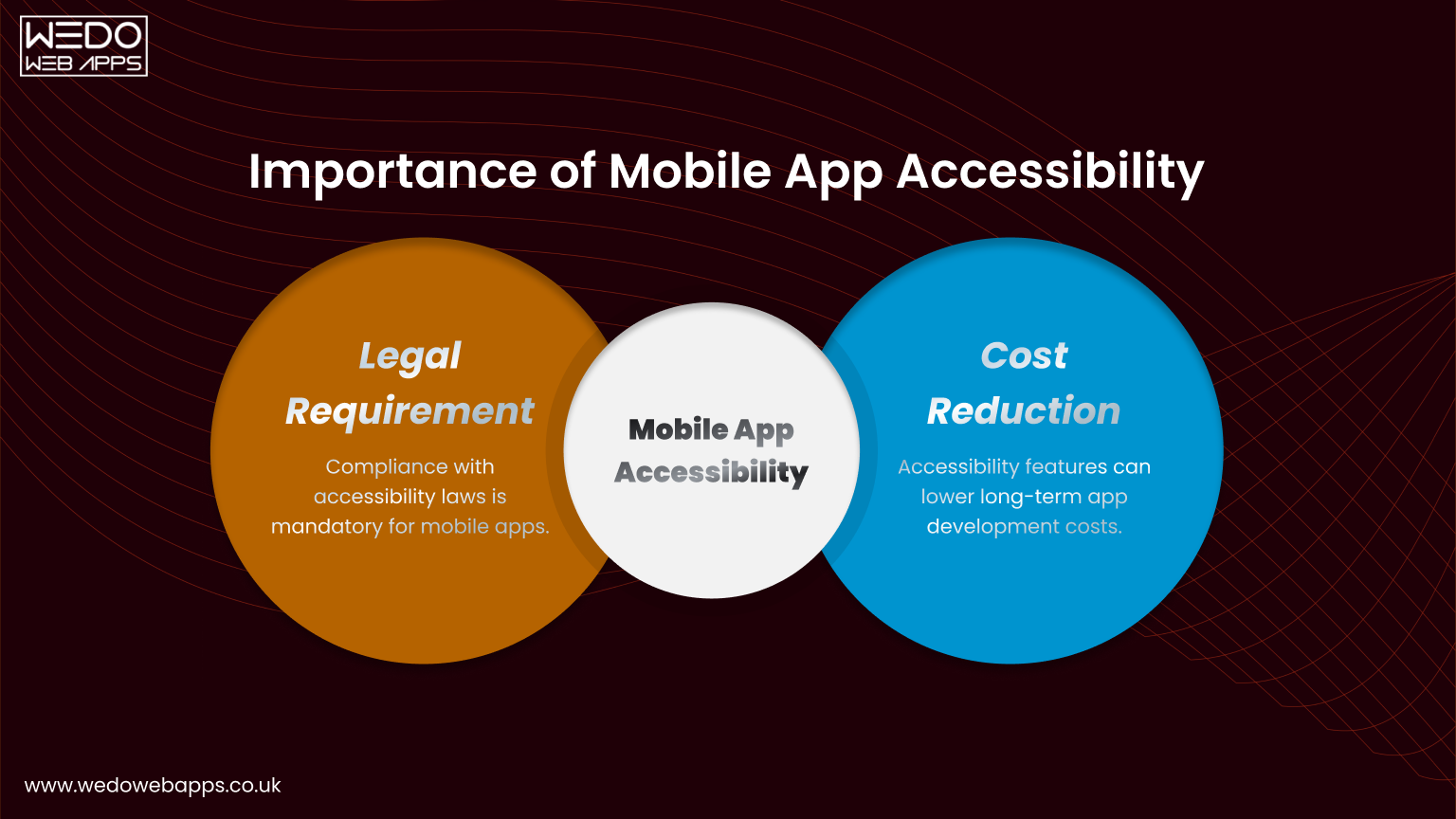
Accessible mobile apps are essential for all users, but particularly for people with disabilities, including visual, hearing, motor, and cognitive impairments. Implementing mobile apps accessibility ensures that your application can reach a broader audience, improve usability, and comply with global standards such as WCAG for mobile apps.
Beyond compliance, accessibility is a business advantage. Apps that are usable by everyone increase engagement, user satisfaction, and brand trust.
Let’s know in detail who needs accessible mobile apps:
Users Impacted by Visual, Hearing, Motor, and Cognitive Limitations
Different users face unique challenges when interacting with mobile apps:- Visual impairments: Users rely on screen readers or high-contrast modes to navigate content.
- Hearing impairments: Audio content must have captions or text alternatives.
- Motor impairments: Users need larger touch targets, simplified gestures, and flexible input methods.
- Cognitive impairments: Clear layouts, predictable navigation, and easy-to-understand instructions are essential.
Business, Legal, and Usability Reasons to Follow Accessibility Guidelines
- Business Impact: Accessible apps reach a larger audience, increasing engagement and potential conversions.
- Legal Compliance: Following mobile app accessibility guidelines helps meet legal obligations, reducing the risk of accessibility lawsuits.
- Enhanced Usability: Accessibility improvements benefit all users, making apps simpler, more intuitive, and easier to navigate.
- Brand Reputation: Demonstrating inclusivity strengthens customer trust and positions your brand as socially responsible.
How Accessibility Guidelines for Mobile Apps Work
Accessibility guidelines for mobile apps provide a structured approach to designing inclusive apps that anyone can use, regardless of their abilities. By following mobile app accessibility guidelines, developers ensure that apps are perceivable, operable, understandable, and compatible with assistive technologies.
These guidelines translate global standards like WCAG for mobile apps into actionable steps that can be applied during design, development, and testing.
Difference Between Web Accessibility and Mobile App Accessibility
While web accessibility focuses on browser-based experiences, mobile app accessibility addresses unique challenges of mobile interfaces:- Smaller screens and variable orientations
- Touch gestures instead of mouse clicks
- Limited keyboard input
- Platform-specific accessibility features (iOS VoiceOver, Android TalkBack)
Why Mobile Interfaces Need Separate Accessibility Considerations
- Touch Interaction: Buttons and links must be large enough for all users to tap accurately.
- Gestures: Swipe, pinch, and other gestures should be simple or have alternative options.
- Screen Real Estate: Layouts must prioritize clarity, avoiding clutter that confuses users.
- Device Variability: Apps must adapt to multiple screen sizes, resolutions, and orientations.

WCAG for Mobile Apps Explained Clearly
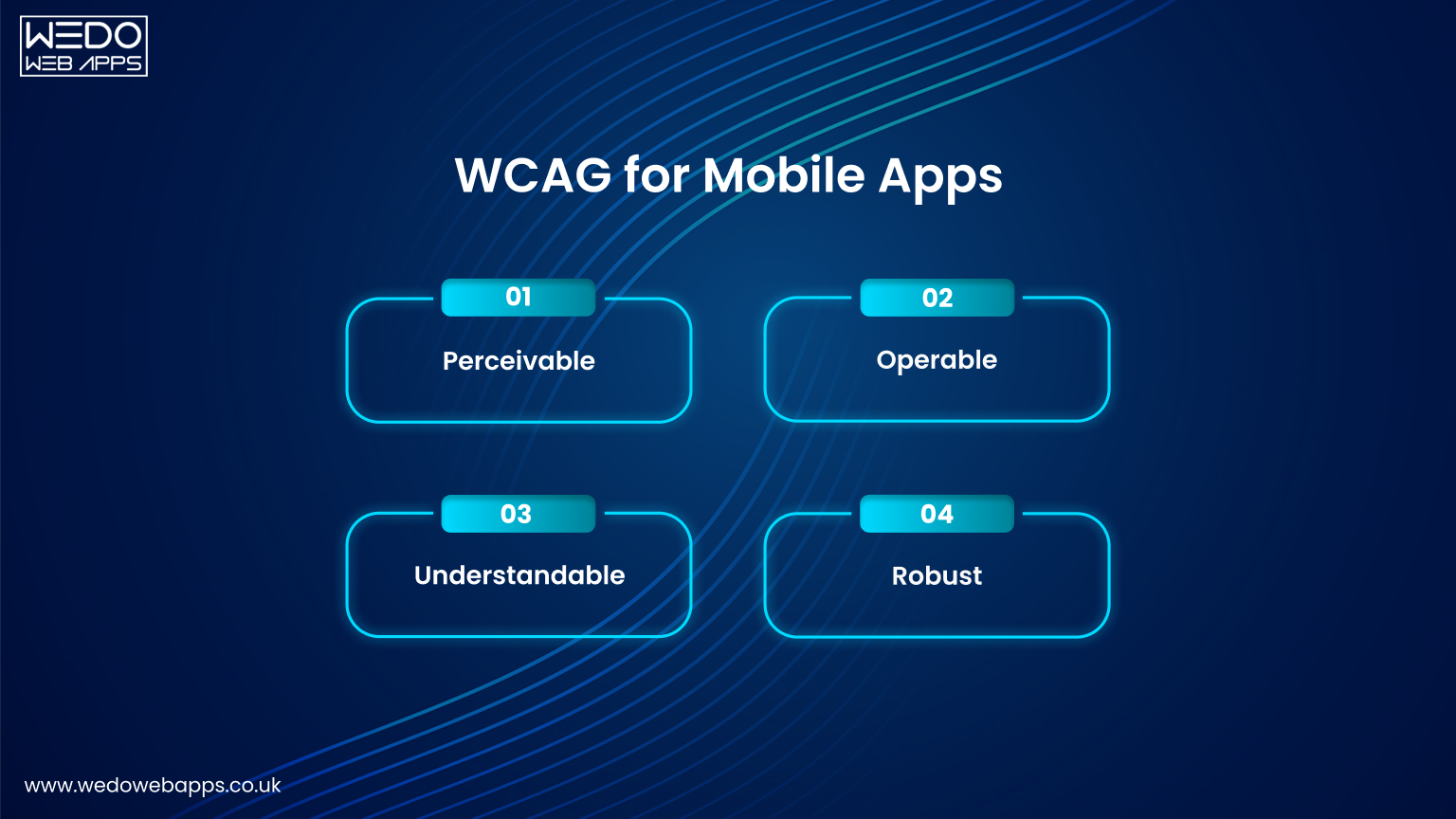 The Web Content Accessibility Guidelines (WCAG) provide the foundation for making mobile applications accessible to all users. Applying WCAG for mobile apps ensures your app is perceivable, operable, understandable, and robust across devices and assistive technologies. Understanding these principles helps developers and designers create apps that meet both user needs and compliance requirements.
 Overview of WCAG Principles for Mobile Applications
The WCAG framework is based on four key principles:- Perceivable: Information must be visible or otherwise perceivable to all users.
- Operable: Interactive elements should be easy to use, including touch targets and gestures.
- Understandable: Content and navigation must be predictable and clearly labeled.
- Robust: Apps should work reliably with assistive technologies like screen readers or voice commands.
WCAG Success Criteria That Directly Affect Mobile Apps
Certain WCAG criteria have a direct impact on mobile applications:- Text alternatives for images and icons.
- Sufficient color contrast for readability.
- Adjustable font sizes for small screens.
- Accessible form controls and data entry methods.
- Alternative navigation for gestures and interactive elements.
How WCAG 2.2 Updates Impact Mobile App Accessibility
WCAG 2.2 introduces enhancements relevant to mobile apps, including:- Better guidance for focus visibility and interactive element size.
- Improved rules for complex gestures and touch target accessibility.
- Enhanced support for cognitive and learning disabilities.
Core Mobile App Accessibility Guidelines You Should Follow
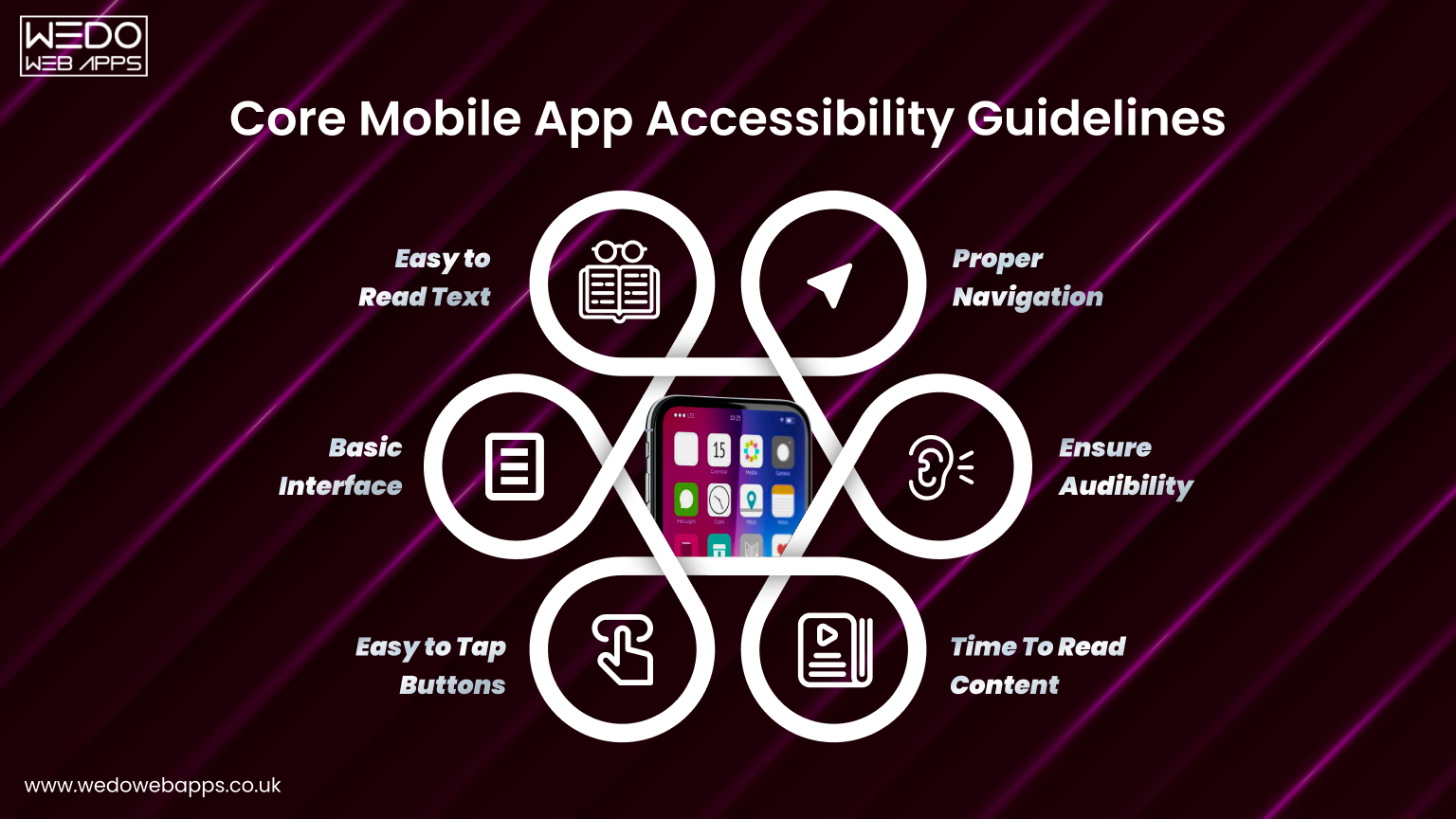
Following mobile app accessibility guidelines ensures that your mobile applications are usable by everyone, compliant with WCAG for mobile apps, and deliver a seamless user experience.
Below are the essential guidelines designers and developers should implement in every app.
Text Readability and Color Contrast for Small Screens
Text readability is essential for all users, particularly those with visual impairments. Proper contrast, font size, and typography ensure content is easy to read and improve overall mobile apps accessibility.- Use legible font sizes (minimum 16px) and clear typography.
- Maintain sufficient contrast between text and background (minimum 4.5:1 for normal text).
- Avoid relying solely on color to convey meaning.
- Enable dynamic text scaling to support device preferences.
Accessible Touch Target Size and Spacing
Touch targets must be easy to tap for users with motor limitations. Proper sizing and spacing reduce errors and frustration, creating a smoother experience.- Ensure interactive elements are at least 44x44 pixels.
- Provide adequate spacing between touch targets.
- Avoid placing buttons too close to the edges of the screen.
Support for Screen Readers and Assistive Technologies
Many users rely on assistive technologies like screen readers to navigate apps. Supporting these tools is a cornerstone of mobile application accessibility.- Add descriptive labels to images, icons, and buttons.
- Use semantic roles for headings, links, and form fields.
- Ensure content order matches visual hierarchy.
- Test with platform-specific tools like iOS VoiceOver and Android TalkBack.
Clear Layouts and Predictable Navigation
Clear and consistent layouts help all users find information quickly. Predictable navigation reduces cognitive load and improves usability.- Keep layouts simple and consistent across screens.
- Group related elements logically and use headings for structure.
- Provide visible focus indicators for interactive elements.
- Avoid sudden changes in navigation flow.
Orientation, Resizing, and Adaptability Considerations
Mobile apps must adapt to different screen sizes, resolutions, and orientations. This flexibility ensures a consistent user experience for everyone.- Support both portrait and landscape modes.
- Ensure UI scales properly on different devices.
- Avoid fixed layouts that prevent zooming or resizing.
Simple and Accessible Data Entry Methods
Forms and data entry can be barriers if not designed accessibly. Simplifying input helps users complete tasks efficiently.- Clearly label form fields and indicate required information.
- Provide input masks or validation hints to reduce errors.
- Support voice input and auto-fill where possible.
- Avoid overly complex forms on mobile screens.
Alternatives for Gestures, Motion, and Animations
Not all users can perform complex gestures or tolerate motion. Providing alternatives improves inclusivity and usability.- Offer alternatives to swipe, pinch, or multi-touch gestures.
- Avoid animations that may trigger seizures or motion sickness.
- Include options to reduce motion and disable non-essential animations.

Mobile App Accessibility Guidelines for Designers
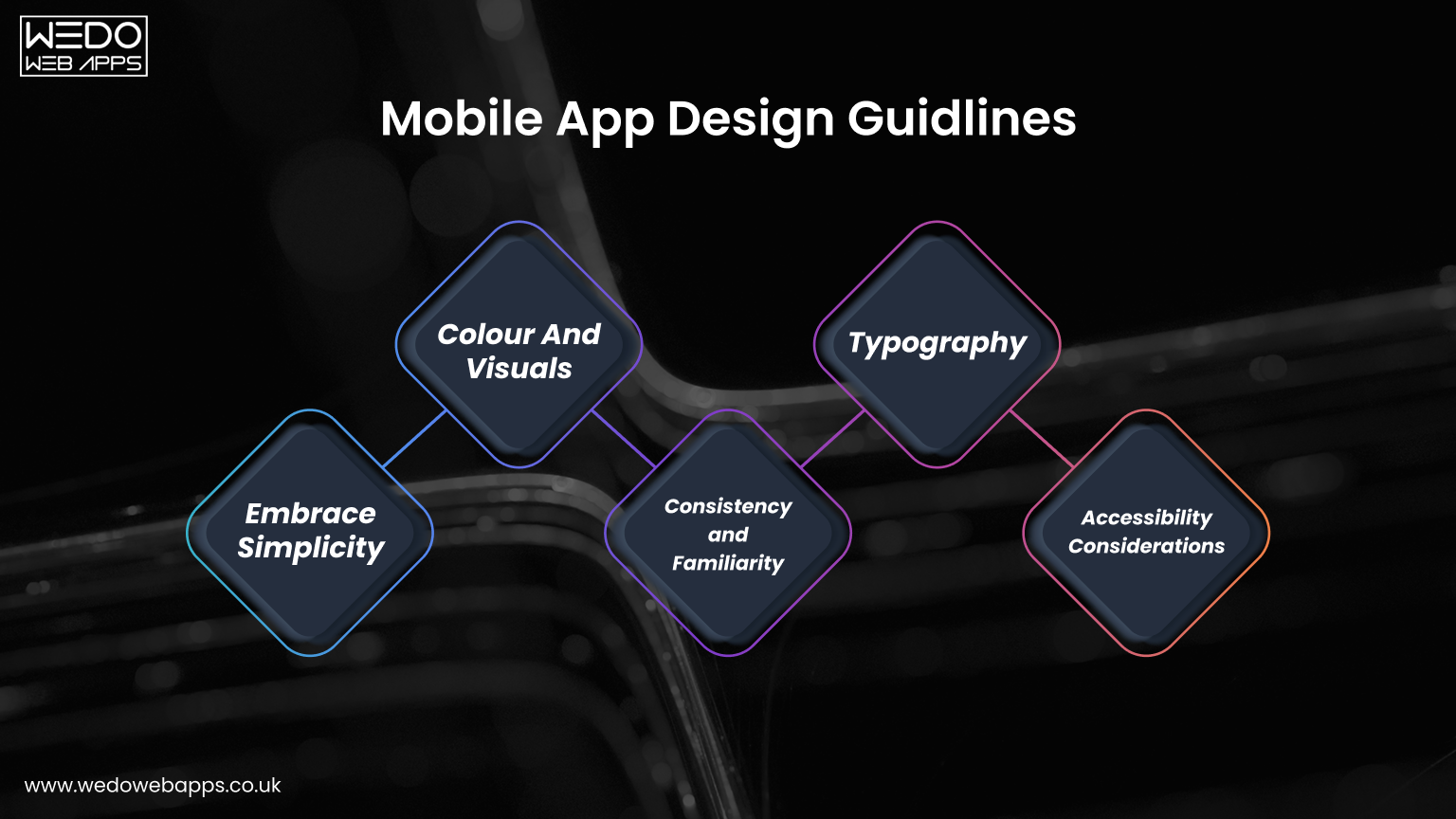
Designers play a critical role in creating accessible mobile apps. Following mobile app accessibility guidelines during the design phase ensures that interfaces are usable, intuitive, and inclusive. Thoughtful design choices reduce barriers for users with visual, motor, auditory, or cognitive limitations.
Designing Wireframes With Accessibility in Mind
Accessibility should start at the wireframing stage. Considering inclusivity early prevents costly changes later and ensures a smooth development process.- Structure content logically to match visual hierarchy.
- Include adequate spacing and touch-friendly elements in the wireframe.
- Use placeholder text, icons, and labels that support screen readers.
- Plan navigation paths that are consistent and predictable across screens.
Visual Hierarchy and Focus Order on Mobile Screens
A clear visual hierarchy guides users through the app, making it easier for everyone, including those relying on assistive technologies, to navigate.- Highlight primary actions and important content visually.
- Maintain consistent heading styles and sizes.
- Ensure the focus order for interactive elements matches the visual layout.
- Avoid visual clutter that can confuse users or screen readers.
Design Mistakes That Commonly Break Accessibility
Even small design oversights can make apps inaccessible. Avoiding these mistakes helps maintain mobile apps accessibility and compliance with WCAG for mobile apps.- Using low contrast colors or unreadable fonts.
- Relying solely on color to convey meaning.
- Placing small touch targets too close together.
- Overloading screens with unnecessary animations or motion.
- Inconsistent navigation and unclear labeling of buttons or icons.
Mobile App Accessibility Guidelines for Developers
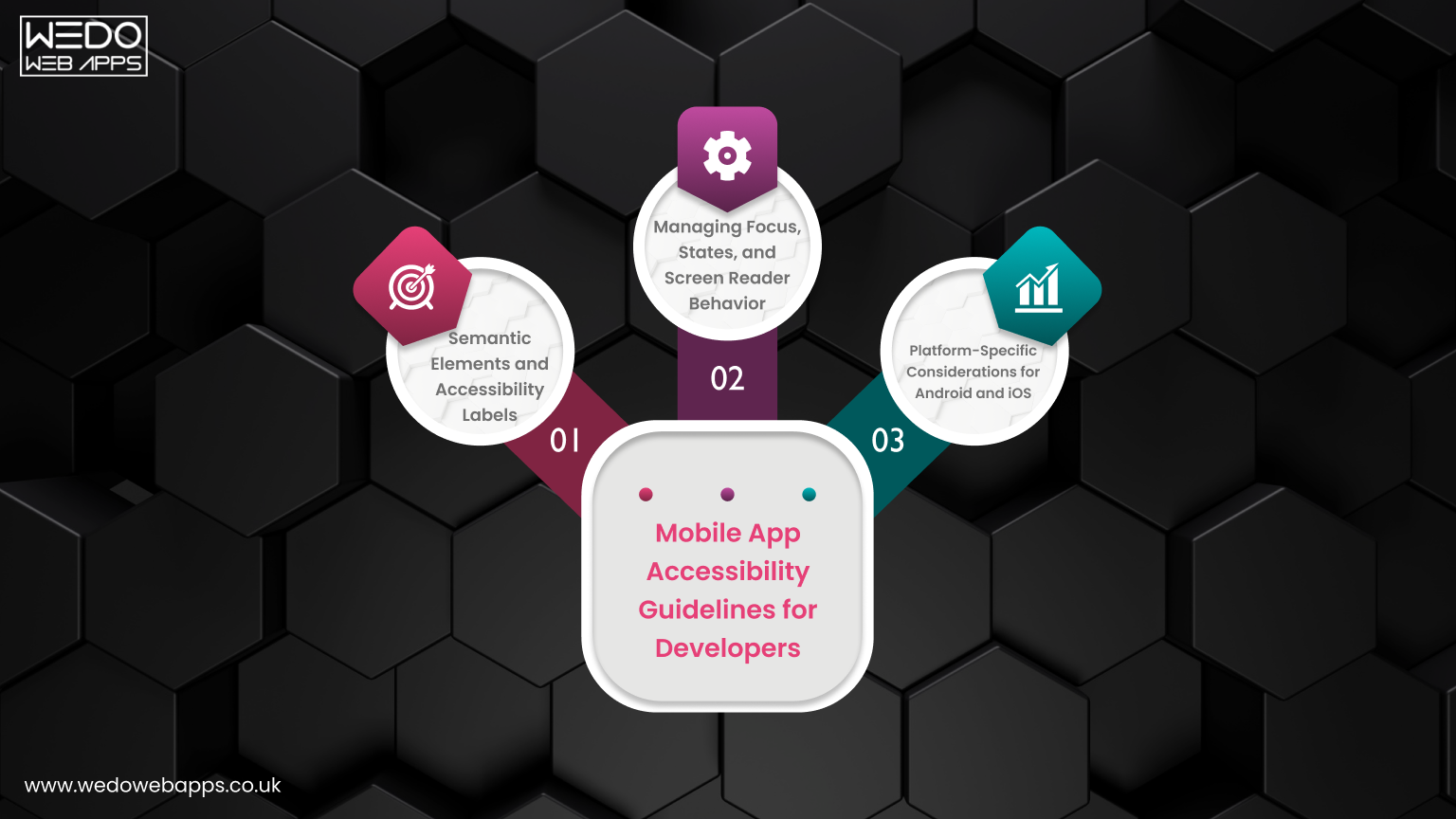 Developers are responsible for turning accessible designs into functional, inclusive mobile applications. Implementing mobile app accessibility guidelines at the code level ensures compliance with WCAG for mobile apps and delivers a smooth experience for all users.
 Semantic Elements and Accessibility Labels
Proper semantic markup and accessibility labels help assistive technologies interpret app content accurately. This ensures that users with disabilities can navigate and understand your app efficiently.- Use semantic elements for headings, buttons, and form controls.
- Apply meaningful accessibility labels to all interactive components.
- Ensure images, icons, and non-text elements have descriptive alternative text.
- Avoid generic labels like “click here” or “button” without context.
Managing Focus, States, and Screen Reader Behavior
Dynamic apps can be confusing for screen reader users if focus and element states are not managed properly. Developers must account for element behavior and user context.- Set and maintain focus for newly loaded screens or pop-ups.
- Clearly indicate active, disabled, or selected states of elements.
- Ensure screen readers read content in the correct order.
- Test interactions like modals, dropdowns, and dynamic content updates.
Platform-Specific Considerations for Android and iOS
Accessibility implementation differs slightly between platforms. Understanding platform-specific tools and features is essential for achieving mobile apps accessibility.- iOS: Use VoiceOver, accessibility traits, and labels effectively.
- Android: Leverage TalkBack, content descriptions, and accessibility node info.
- Test gestures and touch targets according to platform guidelines.
- Ensure consistent experience across devices and OS versions.

Common Mobile App Accessibility Issues to Avoid
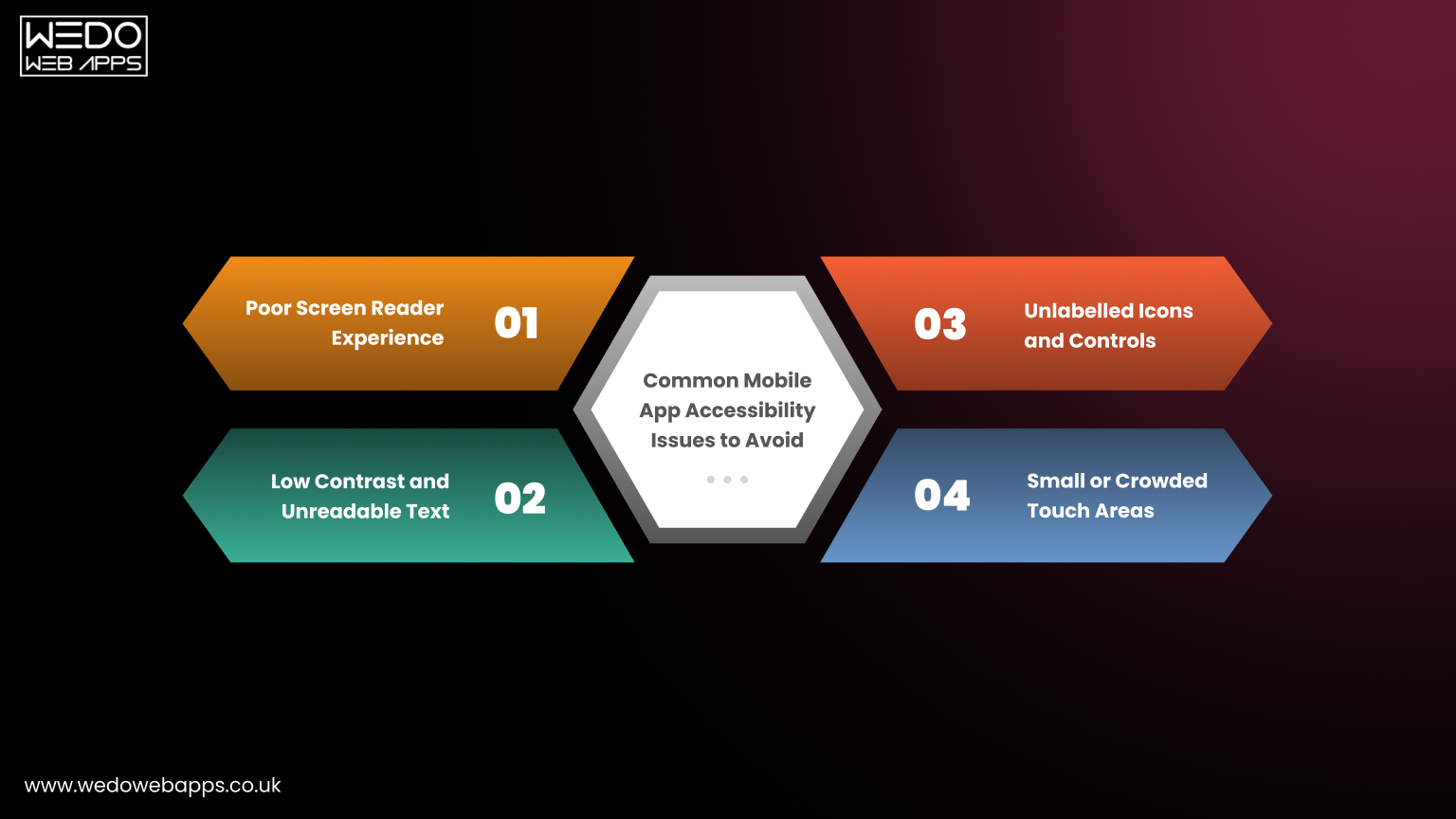 Even with guidelines in place, many mobile apps still face accessibility challenges that affect usability and compliance. Identifying and avoiding these common issues helps improve user experience and ensures adherence to mobile app accessibility guidelines and WCAG for mobile apps.
 Poor Screen Reader Experience
Screen readers are essential for visually impaired users. Apps that are not properly labeled or structured can make navigation confusing or impossible.- Missing or generic accessibility labels for buttons, links, and images.
- Incorrect reading order that does not match the visual layout.
- Dynamic content changes are not announced to screen readers.
- Unlabeled forms and input fields.
Low Contrast and Unreadable Text
Text that blends with background colors or uses small font sizes makes content difficult for users with visual impairments or color blindness.- Insufficient contrast between text and background (below 4.5:1).
- Tiny font sizes that cannot scale for accessibility settings.
- Using color alone to convey information without additional indicators.
- Overuse of decorative fonts or styles that reduce readability.
Small or Crowded Touch Areas
Interactive elements that are too small or close together make navigation difficult for users with motor impairments or dexterity challenges.- Buttons and links are smaller than the recommended touch target size (44x44 pixels).
- Crowded layouts that increase accidental taps.
- Elements are placed near screen edges without proper padding.
- Gestures that require precision and have no alternative input.
Unlabeled Icons and Controls
Icons and interactive controls without descriptive labels can confuse all users, especially those relying on assistive technologies.- Icons with no text or accessibility labels.
- Buttons or toggles that rely solely on visual cues.
- Interactive elements with inconsistent naming or behavior.
- Lack of feedback for actions such as toggles or checkboxes.
Challenges in Implementing Accessibility Guidelines for Mobile Apps
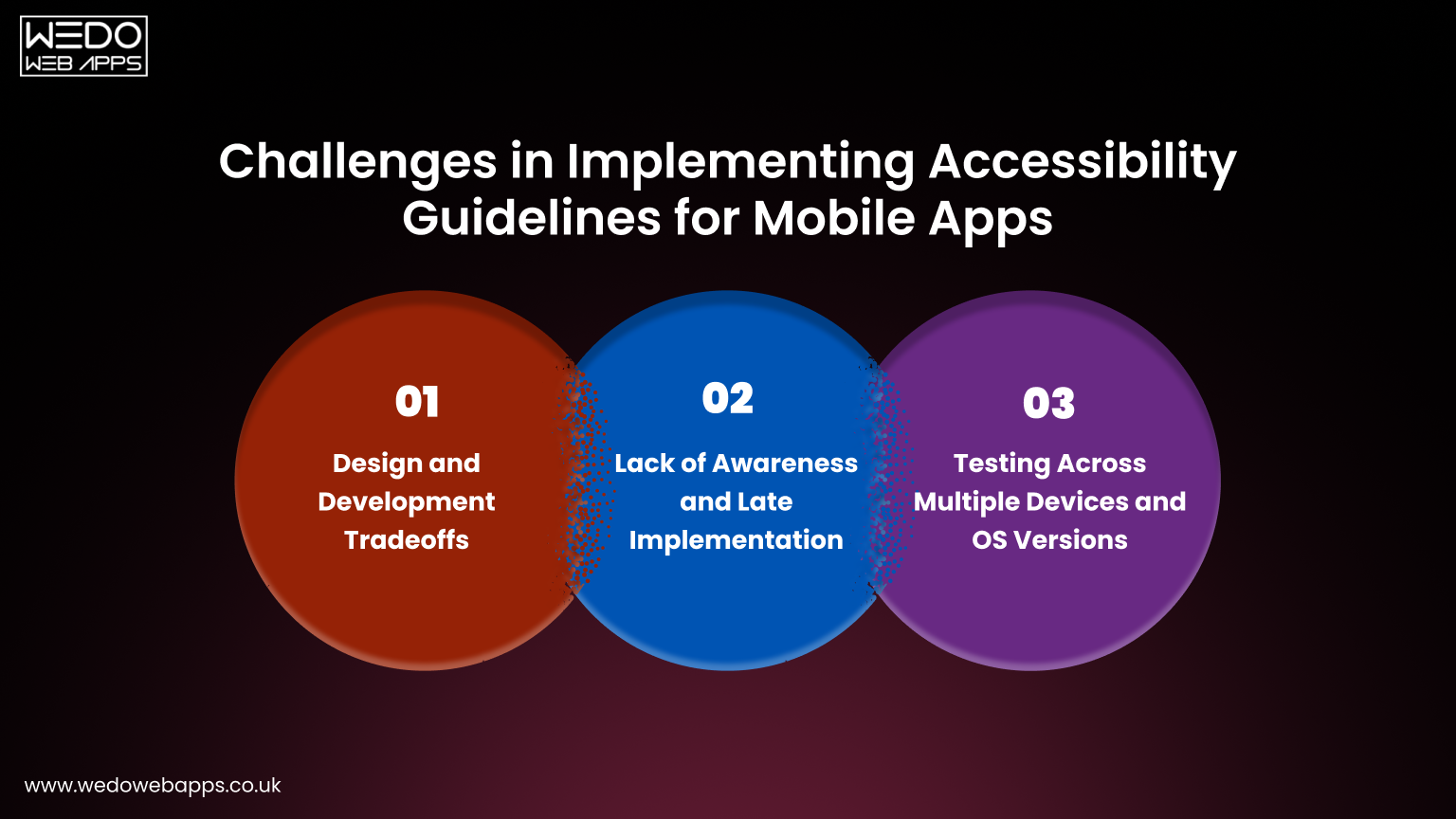 While mobile app accessibility guidelines provide a clear roadmap, implementing them can be challenging. Designers and developers often face obstacles that require careful planning, testing, and collaboration to ensure apps are truly inclusive.
 Design and Development Tradeoffs
Balancing accessibility with aesthetics, functionality, and performance can be tricky. Some design choices may conflict with accessibility requirements, requiring creative solutions.- Complex visual designs may reduce readability or contrast.
- Interactive animations or gestures can conflict with accessibility needs.
- Limited screen space makes accommodating all accessibility features challenging.
- Prioritizing features without affecting usability for all users.
Lack of Awareness and Late Implementation
Many accessibility issues arise because accessibility is considered too late in the design or development process. Early integration is essential for smooth implementation.- Accessibility is often overlooked during wireframing or prototyping.
- Designers and developers may be unaware of WCAG requirements for mobile apps.
- Retroactive fixes increase development time and costs.
- Teams may lack dedicated accessibility experts.
Testing Across Multiple Devices and OS Versions
Mobile apps must work seamlessly across various devices, screen sizes, and operating systems. Testing accessibility under these conditions is complex but critical.- Variations in iOS and Android accessibility features.
- Different screen resolutions and orientations impact layout and readability.
- Dynamic content or updates may not be announced consistently by screen readers.
- Limited automated testing tools; manual testing is often required for accuracy.

Making Accessibility a Standard Part of Mobile App Development
Integrating accessibility from the beginning ensures that mobile applications are inclusive, usable, and compliant with mobile app accessibility guidelines and WCAG for mobile apps. When accessibility becomes a standard practice, it improves overall user experience, reduces development rework, and strengthens brand reputation.Embed Accessibility Early in the Design Process
Considering accessibility during wireframing and prototyping reduces the need for costly changes later. Early planning allows designers and developers to align functionality with inclusive practices.- Incorporate accessibility checks during wireframe review.
- Use design tools that support accessibility simulation (contrast, screen reader, font scaling).
- Plan navigation and layout to accommodate assistive technologies from the start.
Collaborate Across Teams
Accessibility is most effective when designers, developers, and QA teams work together. Collaboration ensures all aspects of the app meet mobile apps accessibility standards.- Hold joint accessibility review sessions throughout development.
- Share guidelines, WCAG success criteria, and checklists with all teams.
- Encourage developers to implement semantic coding practices and proper labeling.
Continuous Testing and Improvement
Accessibility is not a one-time effort. Regular testing helps identify issues and adapt the app as new devices, OS versions, and guidelines emerge.- Perform manual testing with real users and assistive technologies.
- Use automated accessibility testing tools for recurring checks.
- Monitor analytics to detect usability issues affecting accessibility.
- Update the app with the new WCAG for mobile apps guidance.
Benefits of Standardizing Accessibility
Making accessibility a core part of mobile app development has long-term advantages for both users and businesses.- Improves usability for all users, not just those with disabilities.
- Enhances brand reputation and social responsibility.
- Reduces legal risks associated with non-compliance.
- Supports higher engagement, retention, and conversion rates.
Final Thoughts on Mobile App Accessibility
Creating mobile applications that are accessible to all users is a strategic choice that benefits both users and businesses. By implementing mobile app accessibility guidelines and aligning with WCAG for mobile apps, your app becomes usable for people with visual, hearing, motor, or cognitive challenges, while also meeting compliance standards.
Accessible apps expand your audience, improve usability, enhance brand credibility, and reduce legal risks. Integrating accessibility from the design stage, fostering collaboration across teams, and conducting ongoing testing ensure your app delivers a seamless and inclusive experience.
Prioritizing accessibility today builds the foundation for a future-ready, inclusive mobile application that drives engagement, loyalty, and sustainable growth.