Web Design CMS - Everything You Need to Know
In today’s digital-first landscape, a business website is no longer just an online presence; it is a core marketing, sales, and branding asset. However, building and managing a fast, responsive, and content-rich website can be challenging, especially for businesses that want flexibility without relying heavily on developers.
This is where a Content Management System (CMS) plays a crucial role. A custom CMS website allows businesses to create, manage, and update website content efficiently, often without any coding knowledge. From publishing blogs and landing pages to managing images, videos, and product listings, CMS platforms simplify the entire web design and content workflow.
Modern CMS platforms now handle much of the technical infrastructure, enabling businesses and developers to focus on performance, user experience, and conversion-driven design. With built-in customization options, scalable architecture, and integrations for SEO, analytics, and security, CMS-driven websites are faster to launch and easier to maintain. Recent industry trends indicate that over 60% of websites globally are powered by a CMS, highlighting its dominance in modern web development.
In this guide, we’ll explore what a CMS means in web design, its key features, benefits, types, and the best CMS platforms to use. If you’re considering building or upgrading a CMS-powered website, don’t forget to explore our CMS development services.

What is CMS in web design?
Keep the image the same, just remove the copyright
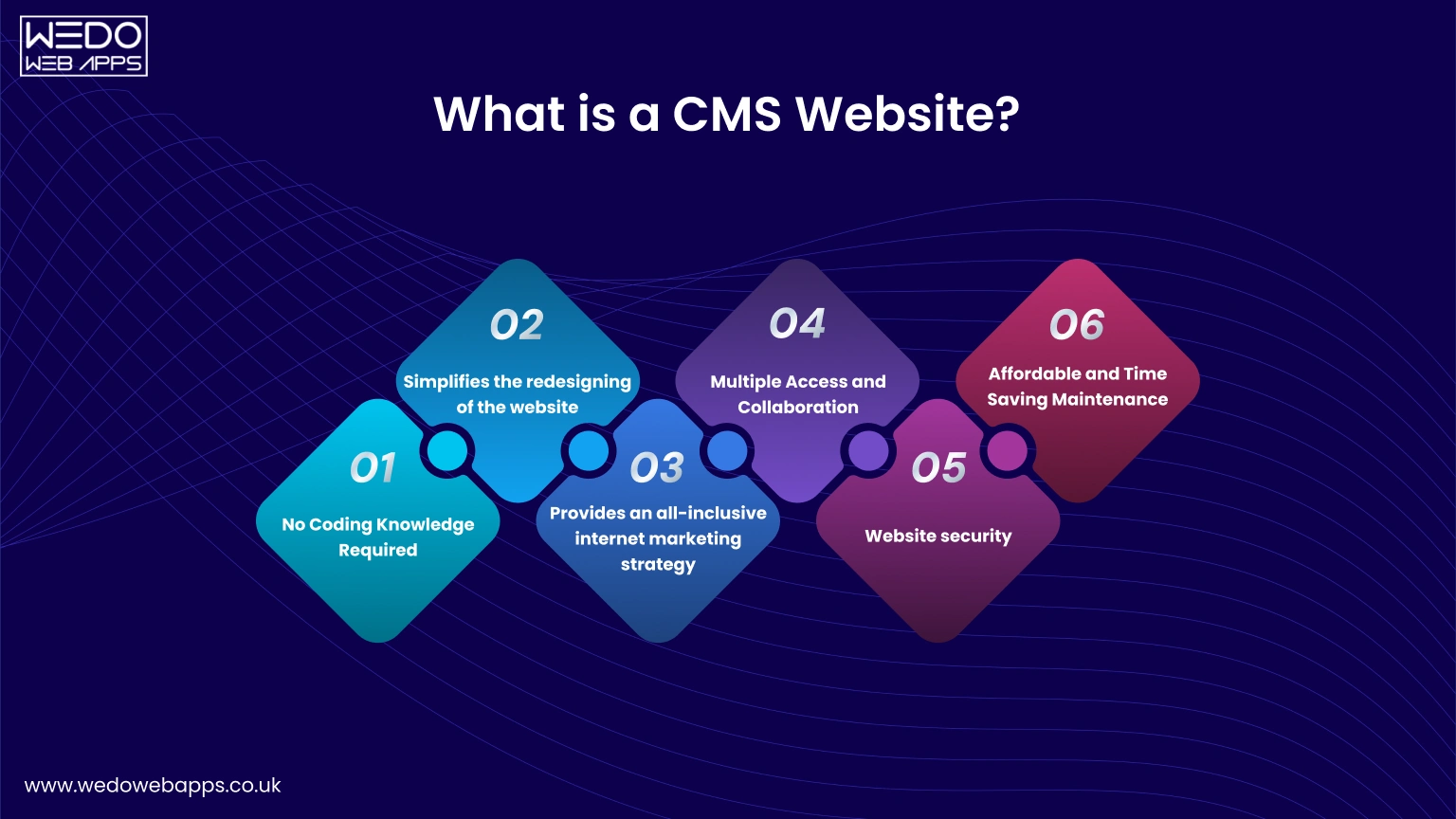
A Content Management System (CMS) is a software platform that enables businesses, marketers, and designers to create, manage, and update website content without needing advanced coding skills. In modern web design CMS workflows, a CMS acts as the foundation for building scalable, flexible, and content-driven websites.
A CMS web setup separates content from code, allowing updates to text, images, pages, and layouts without impacting the website’s core structure. This makes CMS platforms essential for businesses that require frequent updates, faster publishing, and long-term scalability.
How a CMS Works in Website Design
A website design CMS typically includes the following core components:- Admin dashboard to manage content and users
- Visual or WYSIWYG editor for easy content updates
- Templates and layouts for consistent CMS designs
- Media library to manage images, videos, and files
- Publishing tools to schedule and update content
Why CMS Web Design Is the Preferred Approach Today
Modern businesses rely on CMS solutions because they simplify web development while supporting growth. A CMS for web designers enables faster builds, cleaner workflows, and easier collaboration between designers, developers, and content teams.
Key advantages include:
- Faster website updates without developer dependency
- Improved consistency across pages and content types
- Better scalability for growing businesses
- Centralized control over website content and structure
Types of CMS Used in Web Development
There are three primary CMS categories used in web development CMS projects:
- Web Blogging Platforms: Focused on content publishing, blogging, and audience engagement.
- eCommerce CMS Platforms: Designed to manage products, payments, inventory, and online transactions.
- Web Content Management Systems (WCMS): Built for non-technical users to manage pages, content, and media efficiently.
Each type supports different business goals but shares the same objective: simplifying content management while maintaining design and performance quality.
Significant Features of a Custom CMS Website
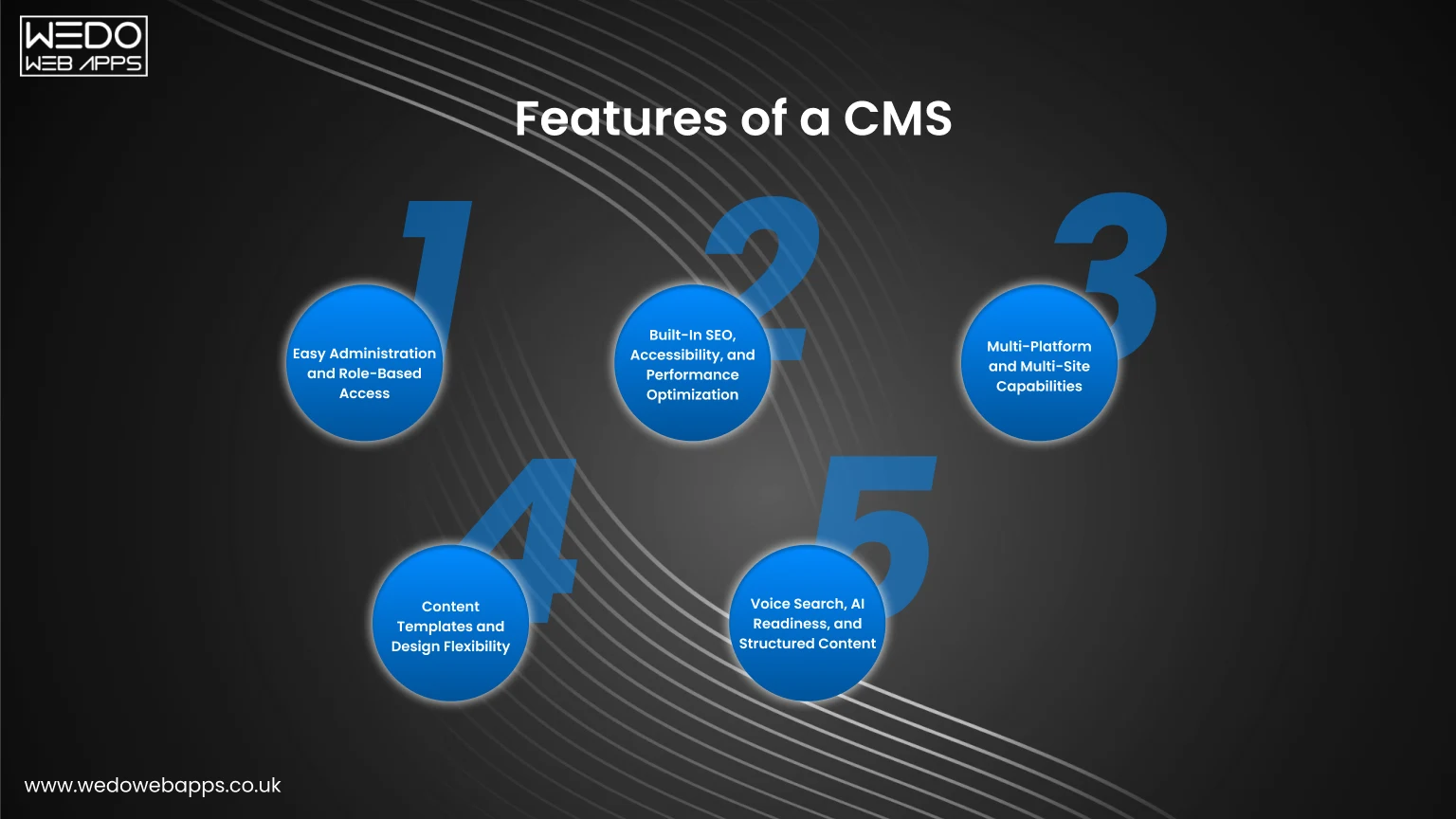
In a content-driven digital environment, businesses must publish, update, and manage content quickly and consistently. A modern web design CMS enables organizations to streamline content operations while maintaining performance, scalability, and design quality.
Although every business has different needs, certain CMS features are essential for building efficient, future-ready websites. Below are the key features to look for in custom CMS web design and CMS solutions.
1. Easy Administration and Role-Based Access
One of the most important features of a custom CMS is a centralized and intuitive admin dashboard. It allows teams to manage content efficiently without relying on technical expertise.
Core administrative capabilities include:
- Content creation, editing, and scheduling
- Role-based user permissions and approvals
- Activity tracking and content workflow management
- Plugin and module support for feature expansion
This ensures that content teams, marketers, and developers can collaborate seamlessly within a single CMS web platform.
2. Built-In SEO, Accessibility, and Performance Optimization
Search engine visibility and user experience are inseparable in modern CMS web design. Advanced CMS platforms now offer built-in SEO and performance tools to help businesses stay competitive.
Key optimization features include:
- Editable meta titles, descriptions, and SEO-friendly URLs
- Image alt tags and accessibility compliance
- Canonical URLs to prevent duplicate content
- Structured data (schema) support for rich search results
These capabilities help CMS-driven websites align with SEO and Answer Engine Optimization (AEO) strategies.
3. Multi-Platform and Multi-Site Capabilities
As businesses scale, managing multiple websites or digital properties becomes inevitable. Modern CMS solutions support multi-site and multi-platform management from a single dashboard.
This feature enables:
- Centralized content control across regions or brands
- Consistent branding and design standards
- Unified analytics and reporting
- Faster rollout of campaigns and microsites
4. Content Templates and Design Flexibility
Content templates are a powerful feature that improves efficiency in website design CMS workflows. Pre-designed templates ensure visual consistency while allowing flexibility for customization.
Benefits of CMS templates include:
- Faster content publishing
- Responsive, mobile-first designs
- Reduced design errors and inconsistencies
- Easier maintenance and redesigns
5. Voice Search, AI Readiness, and Structured Content
With AI-powered search and voice assistants becoming mainstream, CMS platforms must support structured, semantic content. A future-ready CMS web design solution enables voice search optimization through schema markup and metadata.
This allows:
- Better content interpretation by search engines
- Eligibility for featured snippets and voice answers
- Improved discoverability across AI-driven platforms
Such capabilities ensure that CMS websites remain relevant in evolving search ecosystems.
Why Use CMS for Website Development?
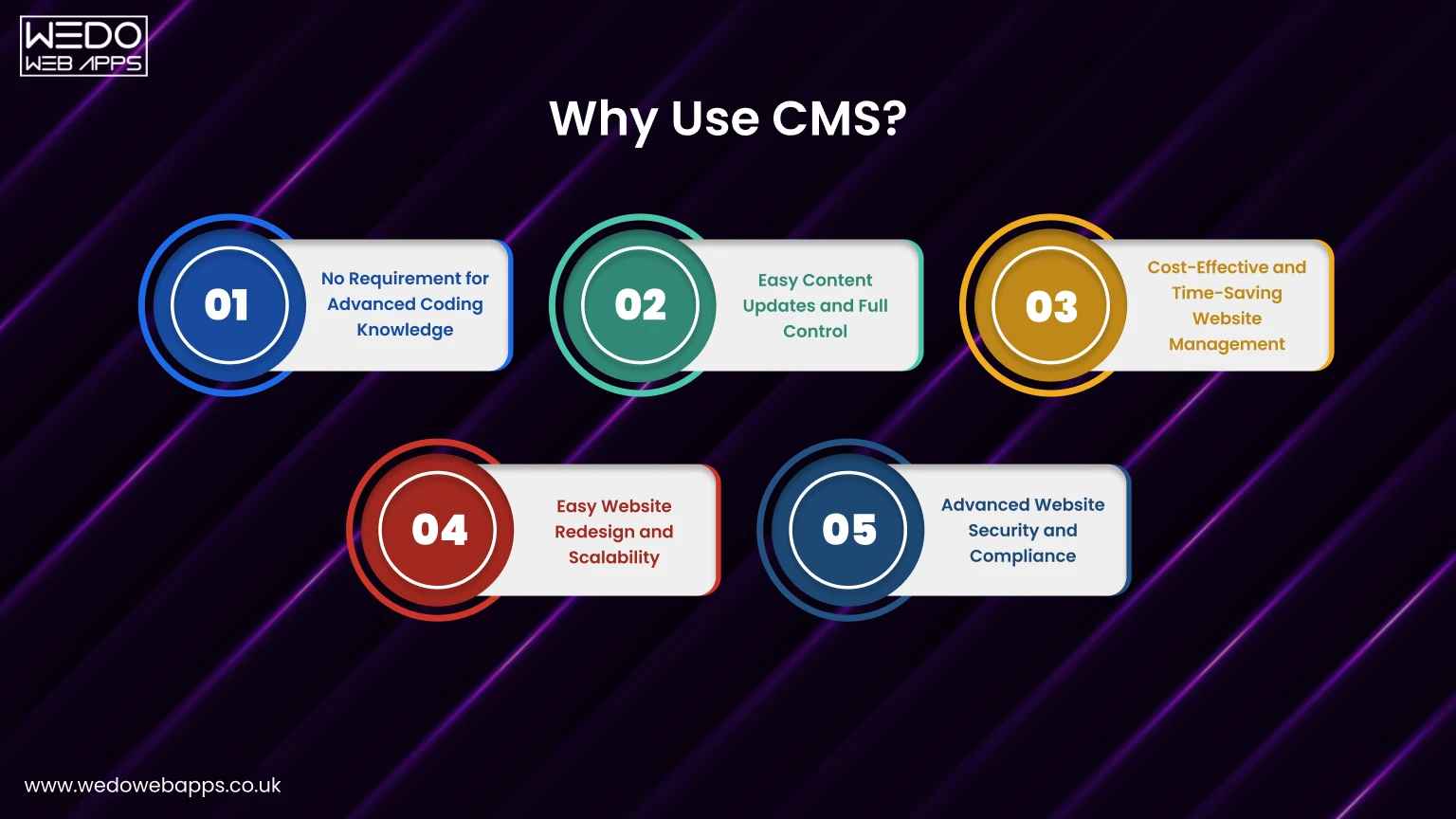
The primary reason businesses adopt a Content Management System (CMS) is simplicity combined with scalability. A modern web design CMS allows organizations to build, manage, and grow their websites efficiently, without being dependent on technical teams for everyday updates.
Today, CMS platforms do far more than manage text and images. They support analytics, personalization, security, performance optimization, and integrations, making them a core part of modern web development CMS strategies. As market adoption continues to rise, CMS platforms remain the preferred choice for businesses of all sizes.
1. No Requirement for Advanced Coding Knowledge
One of the biggest advantages of using a CMS is that it eliminates the need for advanced coding skills. Most CMS platforms include intuitive visual editors that allow users to create and edit content as easily as working with a document editor.
This means:
- Non-technical teams can manage website content independently
- Developers can focus on advanced customization and performance
- Content updates can be made faster and more frequently
2. Easy Content Updates and Full Control
Without a CMS, even minor content updates often require developer involvement. With a CMS, businesses can update pages, blogs, media, and metadata instantly without delays.
Key benefits include:
- Real-time content updates
- Faster publishing cycles
- Greater flexibility for marketing campaigns
- Reduced dependency on external teams
3. Cost-Effective and Time-Saving Website Management
Hiring developers for ongoing website changes can be costly and time-consuming. A CMS significantly reduces operational expenses by allowing internal teams to manage content and structure efficiently.
From a long-term perspective, CMS platforms:
- Lower maintenance costs
- Reduce development overhead
- Speed up content deployment
- Improve overall productivity
This makes CMS-driven websites a smart investment for businesses focused on scalability and efficiency.
4. Easy Website Redesign and Scalability
CMS platforms are built with flexibility in mind. Since design and content are managed separately, businesses can redesign their websites without rebuilding them from scratch.
A modern CMS web design approach allows:
- Theme or template changes without data loss
- Scalable architecture for future growth
- Easy expansion with plugins and integrations
This adaptability ensures that websites can evolve alongside business needs.
5. Advanced Website Security and Compliance
Security is a top priority in today’s digital environment. Most modern CMS platforms include built-in security features and regular updates to protect against vulnerabilities.
Security benefits include:
- Regular core and plugin updates
- Role-based access control
- Security plugins and monitoring tools
- Compliance with modern web standards
With support from experienced CMS development companies, businesses can further enhance security and performance.

Categories of Content Management Systems (CMS)
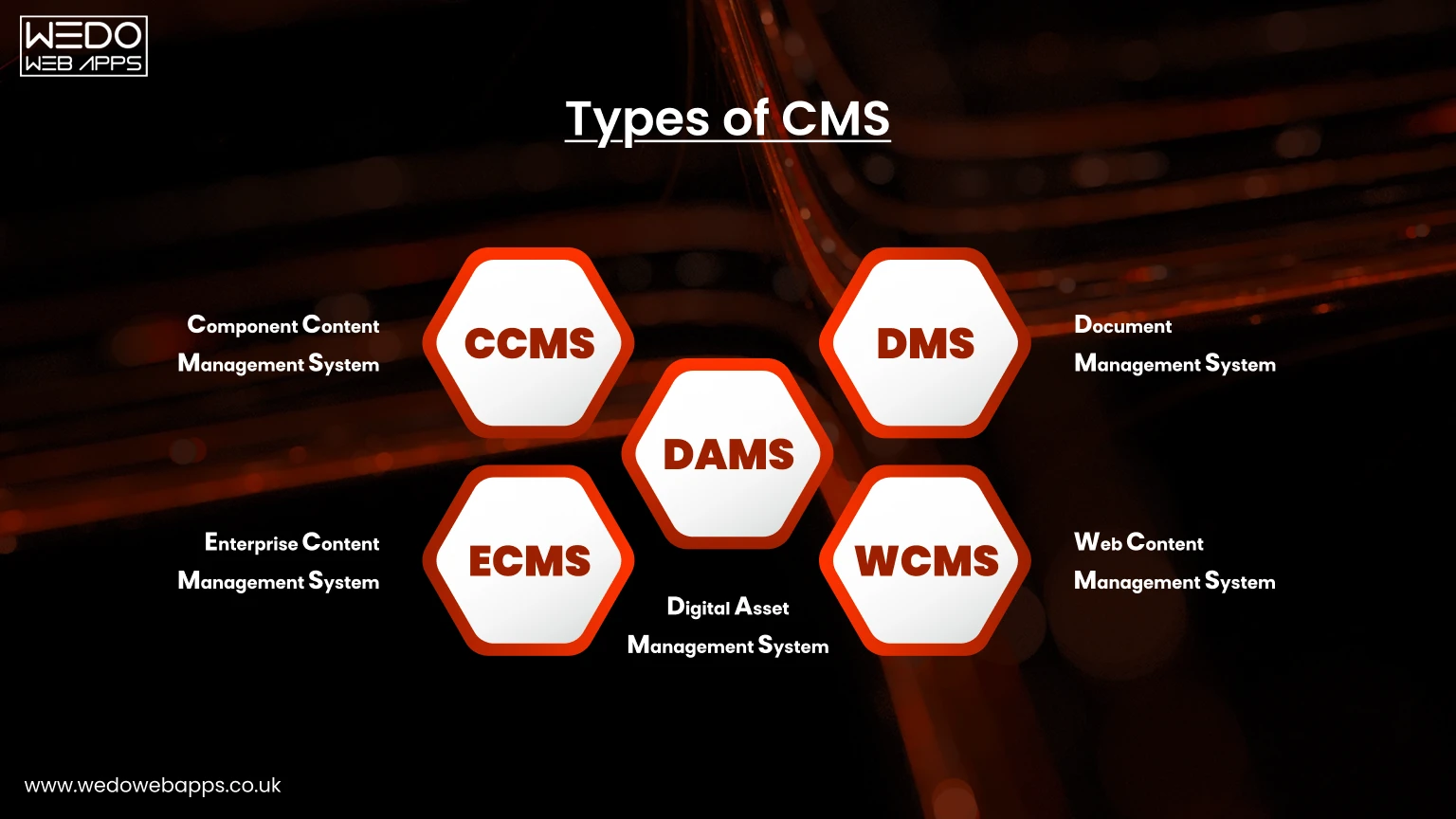
To choose the right CMS solution for your business, it’s important to understand the different categories of CMS platforms available today. Each category serves a specific purpose depending on content complexity, scale, and business goals.
Below are the most widely used CMS categories in modern web development.
1. Component Content Management System (CCMS)
A Component Content Management System (CCMS) manages content at a granular level rather than as full pages or documents. It stores individual components such as phrases, paragraphs, images, and multimedia elements in a centralized repository.
Key benefits of CCMS include:
- High content reusability across multiple platforms
- Faster updates without duplication
- Better content consistency and version control
CCMS platforms are commonly used by enterprises managing large volumes of structured content across websites, apps, and documentation portals.
2. Document Management System (DMS)
A Document Management System (DMS) focuses on storing, managing, and tracking digital documents in a secure, cloud-based environment.
Core capabilities include:
- Paperless document storage and retrieval
- Version control and audit trails
- Secure document sharing and access management
DMS platforms are ideal for organizations that handle contracts, policies, reports, and compliance-heavy documentation.
3. Enterprise Content Management System (ECM)
An Enterprise Content Management System (ECM) is designed to manage content across an entire organization. It helps collect, organize, govern, and distribute information efficiently.
ECM platforms support:
- Centralized content governance
- Workflow automation and approvals
- Secure content delivery to the right audience
This category is commonly adopted by large enterprises that require structured processes and compliance-focused content handling.
4. Web Content Management System (WCMS)
A Web Content Management System (WCMS) is the most common type of CMS used for CMS web design and website development. It enables non-technical users to create, edit, and publish website content without coding knowledge.
WCMS platforms typically offer:
- Page builders and visual editors
- Content scheduling and versioning
- Collaboration and publishing tools
WCMS solutions are widely used for blogs, corporate websites, service portals, and content-driven business sites.
5. Digital Asset Management System (DAM)
A Digital Asset Management System (DAM) focuses on storing, organizing, and distributing digital assets such as images, videos, graphics, and design files.
Key advantages include:
- Centralized asset library
- Faster access to media files
- Cloud-based availability across teams and locations
Do You Need A CMS For Your Website? If Yes, then When?
If you manage a business website with multiple pages, frequent updates, or growing content needs, a web design CMS is not just helpful, it’s essential. CMS platforms enable businesses to create, update, and scale websites efficiently without increasing technical overhead. Modern CMS adoption continues to grow as businesses prioritize speed, flexibility, and cost-efficiency in web development CMS projects.When a CMS Is the Right Choice for Your Business
A CMS is a strong fit if your business requires:- Frequent content updates, such as blogs, landing pages, or announcements
- Multiple website pages or content-heavy sections
- Faster time-to-market for new pages or campaigns
- Reduced dependency on developers for routine changes
CMS for Faster Website Launch and Scalability
Most modern CMS solutions come with integrated hosting options, pre-built themes, and modular components. This significantly reduces development time and accelerates website launches.A CMS is ideal when:
- You need to launch a website quickly
- You plan to scale content or features over time
- You want flexibility without rebuilding your site
CMS for Customization and Long-Term Growth
If your business requires regular customization, new pages, services, integrations, or design updates, a CMS provides the flexibility needed to evolve without friction.A custom CMS or a tailored CMS configuration is especially useful when:
- Your website supports multiple services or regions
- You plan to integrate third-party tools
- Your business model evolves frequently
Top CMS Platforms to Use for Web Design and Development
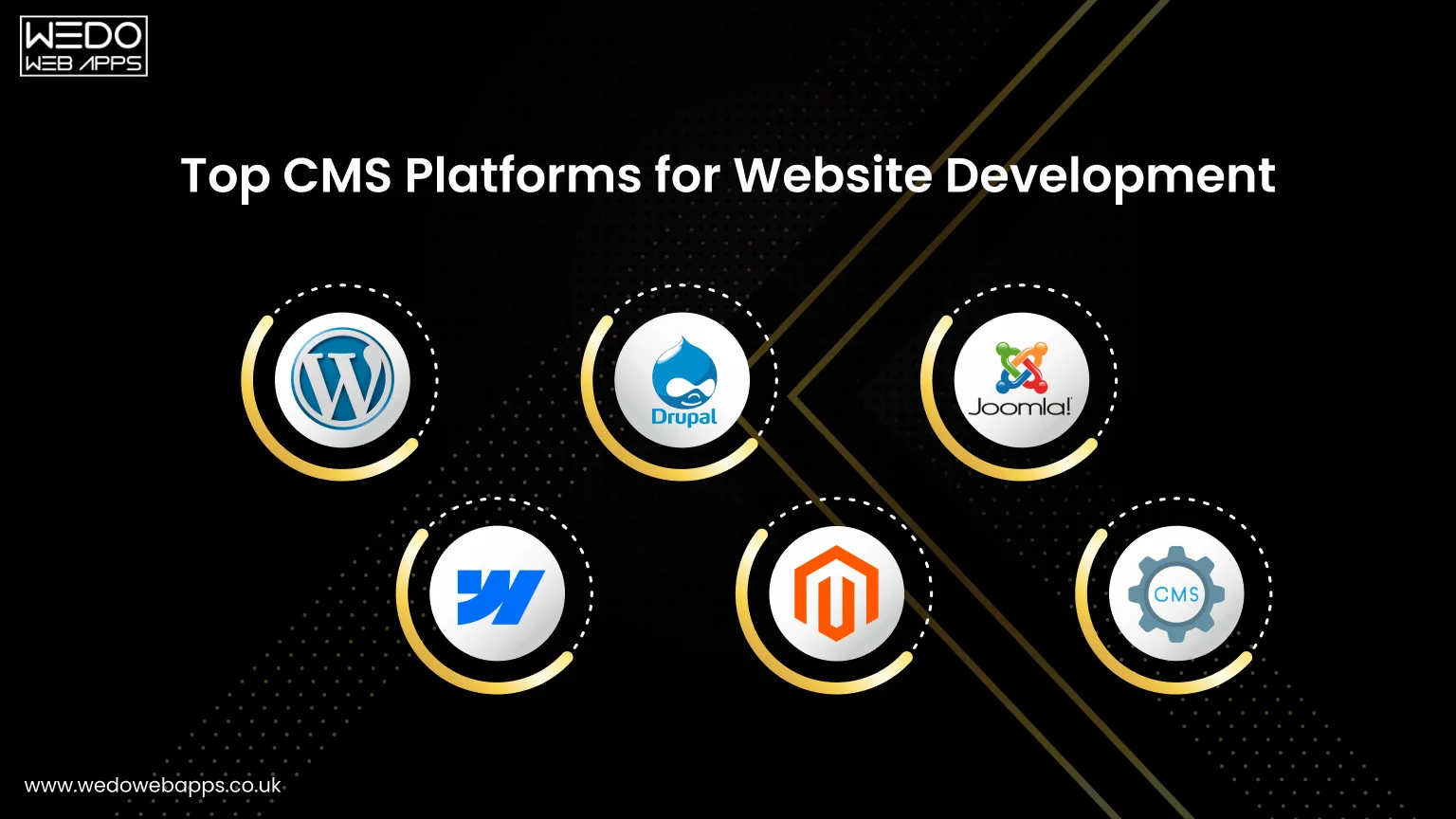
Choosing the right CMS platform plays a critical role in website performance, scalability, and long-term success. Today’s CMS solutions cater to different business sizes, industries, and technical requirements, from simple content sites to complex enterprise platforms.
Below are some of the most widely used and trusted CMS platforms, along with their ideal use cases.
WordPress
WordPress remains the most popular CMS web design platform globally due to its flexibility, vast ecosystem, and ease of use. As an open-source CMS, it supports everything from blogs to enterprise-level websites.Best for:
- Blogs and content-heavy websites
- Small to medium-sized business websites
- SEO-focused CMS designs
Key strengths:
- Extensive plugin and theme ecosystem
- Strong SEO and content management capabilities
- Flexible customization with support from experienced CMS developers
Webflow
Webflow has gained significant traction as a modern website design CMS, especially among designers and marketing teams. It combines visual design control with CMS functionality, reducing reliance on developers.Best for:
- Design-driven websites
- Marketing teams and creatives
- Fast iteration and content updates
Key strengths:
- Visual editor with clean code output
- Built-in hosting, security, and performance optimization
- Ideal CMS for web designers who want creative freedom
Drupal
Drupal is a powerful CMS platform designed for complex and high-traffic websites. It is often used in enterprise, government, and large-scale digital projects.Best for:
- Enterprise and large organizations
- Websites with complex data structures
- High-security requirements
Key strengths:
- Robust API-first architecture
- Advanced security and scalability
- Strong multilingual and personalization features
Drupal is a preferred choice for businesses working with experienced CMS development companies.
Magento (Adobe Commerce)
Magento is a specialized CMS platform focused on eCommerce. It is built to support highly customizable and scalable online stores.Best for:
- Medium to large eCommerce businesses
- Multi-store and multi-region setups
- Advanced product and inventory management
Key strengths:
- Powerful customization and SEO capabilities
- Secure checkout and catalog management
- Mobile-optimized CMS web experience
Joomla
Joomla is a flexible open-source CMS platform that sits between WordPress and Drupal in terms of complexity and functionality.Best for:
- Content-heavy websites with structured layouts
- Multilingual business websites
- Moderate customization needs
Key strengths:
- Built-in multilingual support
- Strong access control and security features
- Suitable for businesses looking for balanced CMS web design capabilities
Headless & Hybrid CMS (Rising Trend)
In addition to traditional platforms, headless and hybrid CMS solutions are gaining popularity in recent years. These CMS platforms separate content management from presentation, enabling omnichannel delivery.Best for:
- Multi-device and omnichannel experiences
- Mobile apps, IoT, and front-end frameworks
- Businesses prioritizing performance and flexibility
Conclusion
A web design CMS has become a foundational component of modern website development. From simplifying content management to enabling scalability, security, and performance optimization, CMS platforms empower businesses to maintain a strong and adaptable digital presence.
With a wide range of CMS solutions available, each designed for different use cases, selecting the right platform can feel overwhelming. However, understanding your business goals, content needs, and future growth plans makes the decision far more strategic.
In this guide, we explored what CMS means in web design, its key features, benefits, categories, and the top CMS platforms to consider. Whether you’re building a new website or upgrading an existing one, choosing the right CMS can significantly impact user experience, search visibility, and long-term growth.
If you’re looking for a reliable partner to build or customize your CMS-powered website, WEDOWEBAPPS is a trusted CMS development company in the UK, offering secure, scalable, and performance-driven CMS development services tailored to your business needs.